
Professional editing on your phone
Adobe Premiere Clip gives you the chance to experience professional video editing on your phone. Compared to other Adobe video editing software that we are used to using on desktop computers, this multimedia app has a simpler interface that allows users to explore its functions without having problems with accessibility, given that a phone screen has a smaller and more limited space to fit everything. Adobe Premiere Clip’s user-friendly interface also makes it easy for beginners to enjoy using it.
Top Recommended Alternative

Create amazing cinematic content
Unlike most video editing apps, Adobe Premiere Clip is not focused only on creating fun and quirky clips that you can upload on your social media accounts. Sure, you can make videos that are hilarious and are sure to trend by applying weird edits. But, you can also use the app to showcase high-quality cinematography.
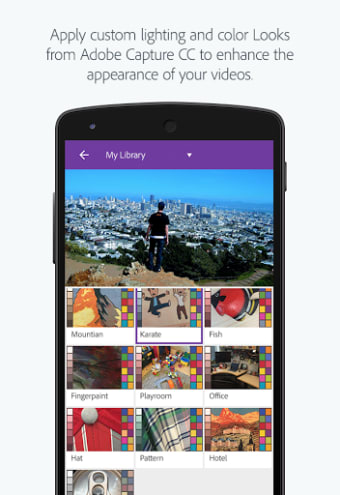
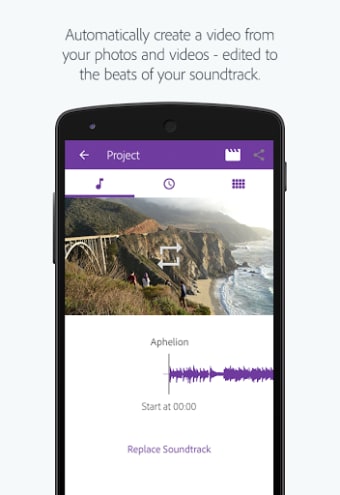
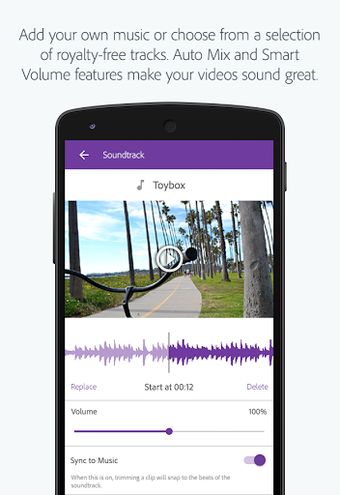
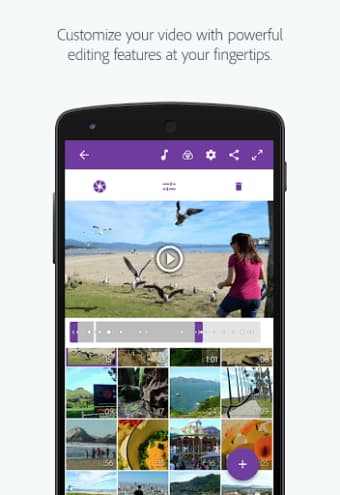
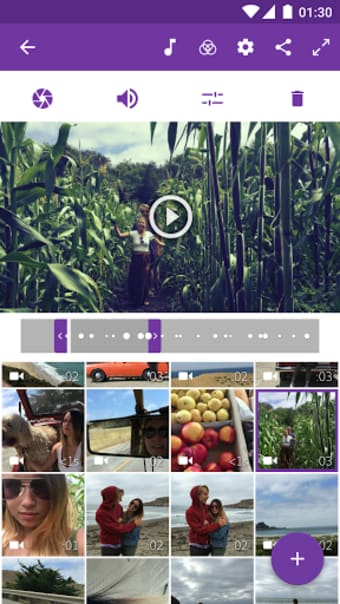
Adobe Premiere Clip has the basic functions that you would expect from a video editing tool, such as importing media, trimming videos, splitting them into clips, and adding background music. However, you will not find the timeline of your overall project here in this app. Instead, you will see your imported videos as thumbnails. You will see different editing options when you click on any of these thumbnails. There will also be sliding bars that would allow you to control the edits you can apply. Among the changes you can do are adjusting the saturation, brightness, shadows, and highlights of your clips. The same goes when you edit the audio track. You can apply fade-in/fade-out effects, and there is an option to remove the audio entirely comparatively well.
With the absence of a timeline, users can't put text over their clips. Adding text to your video project will require you to create an entirely different clip file for it, which you can add either at the beginning, in between the other clips, or at the very end. More, you can place the text on a colored background, but you cannot make it transparent.
A reliable video editor
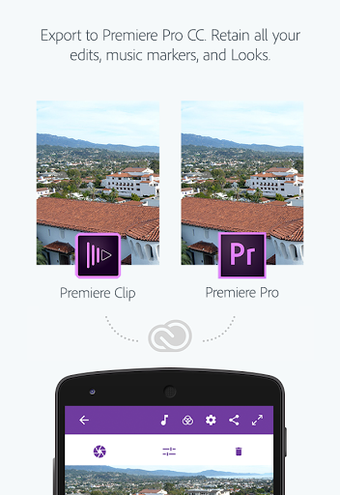
Adobe Premiere Clip is a very handy video editor that you can bring anywhere and use anytime. It is straightforward and user-friendly, so even beginners in video editing do not have to worry about having a hard time using it. The app also runs smoothly, so you will be able to seamlessly edit your videos. To make things better, you can save your projects in cloud storage and have it synced with other Adobe software like Lightroom and Premiere Pro.